Themes
Settings → Theme.
Mode and theme
Follow the desktop, or pin light or dark. Then pick a theme. Each one carries both variants.
- Oscine: warm amber on taupe. The house look.
- Nocturne: cold verdigris on a blue-shifted gray.
- High Contrast: every text weight pushed apart, for bright rooms and cheap panels.
Reactive color
Turn it on and the accent follows the cover of whatever is playing. It only drives the primary accent; an accent you set yourself in the token editor still wins.
Token editor
This is the "make it mine" surface: color roles, surfaces, text, borders, type, shape, and the now-playing backdrop. You can seed a ramp from one color, pick a Tailwind palette, or hand-author the steps.
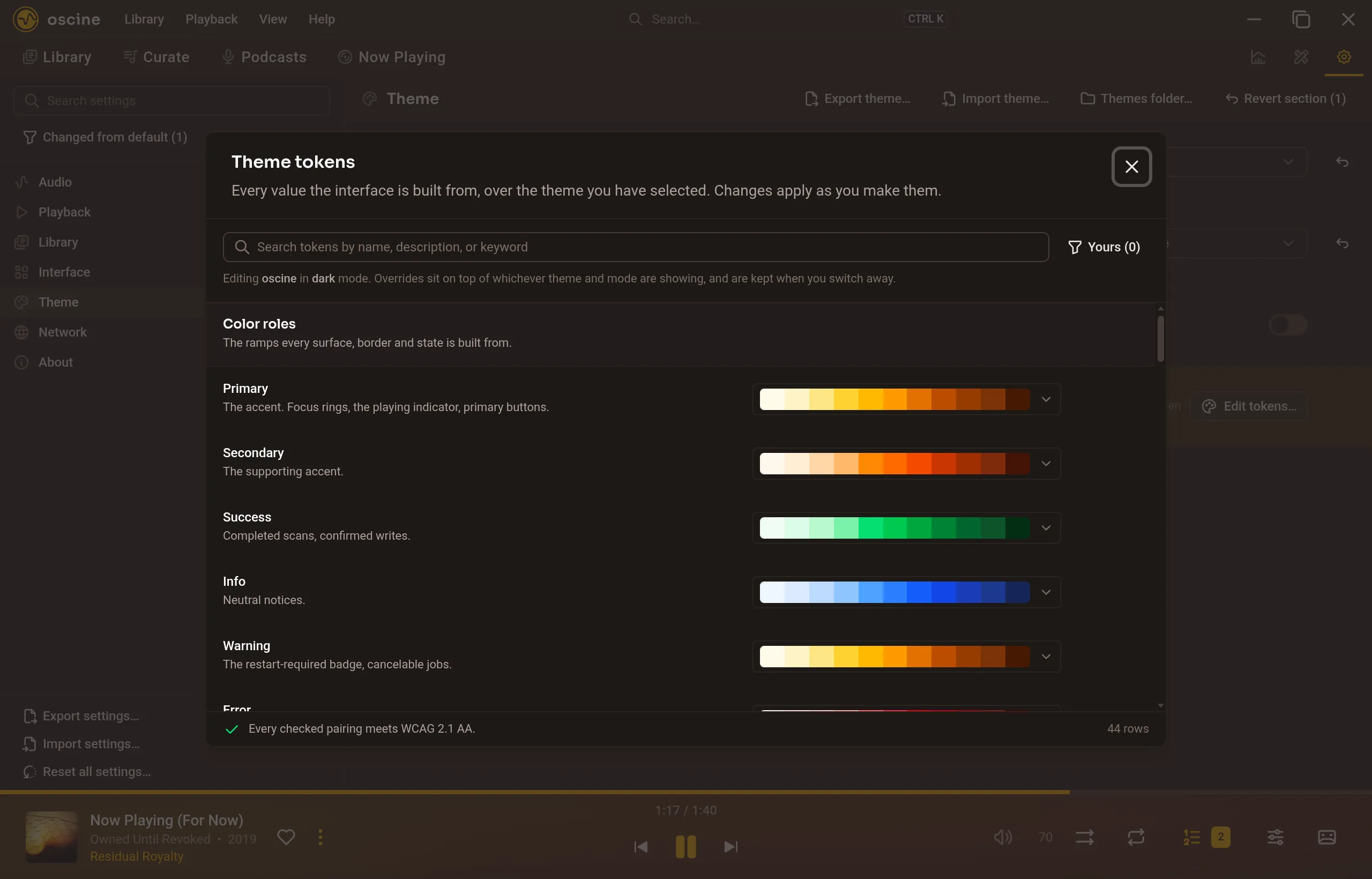
Contrast warnings appear on the row that caused them. They never block a write. A deliberately low-contrast look is allowed; the editor just tells you.
Overrides travel with a settings export to another machine. Shareable theme files are not supported yet; the editor is the authoring tool.